Feature Overview
FylloCode organizes its features around the governance path of an Agent coding task inside a Workspace.
Product Path
| Page | Problem Solved |
|---|---|
| Project Overview | The default Workspace entry point, aggregating governance status, active changes, recent lineage, and specification evolution by Project. |
| Multi-root Workspace | Organize multiple Projects in one window so an Agent can read multiple project directories within the authorized scope. |
| Task Board | A central task entry point for local tasks and tasks from connected engineering systems. |
| Chat and Execution | Choose FylloCode or Native mode inside a fixed Workspace Session scope, align with Agents, delegate work, and move execution forward. |
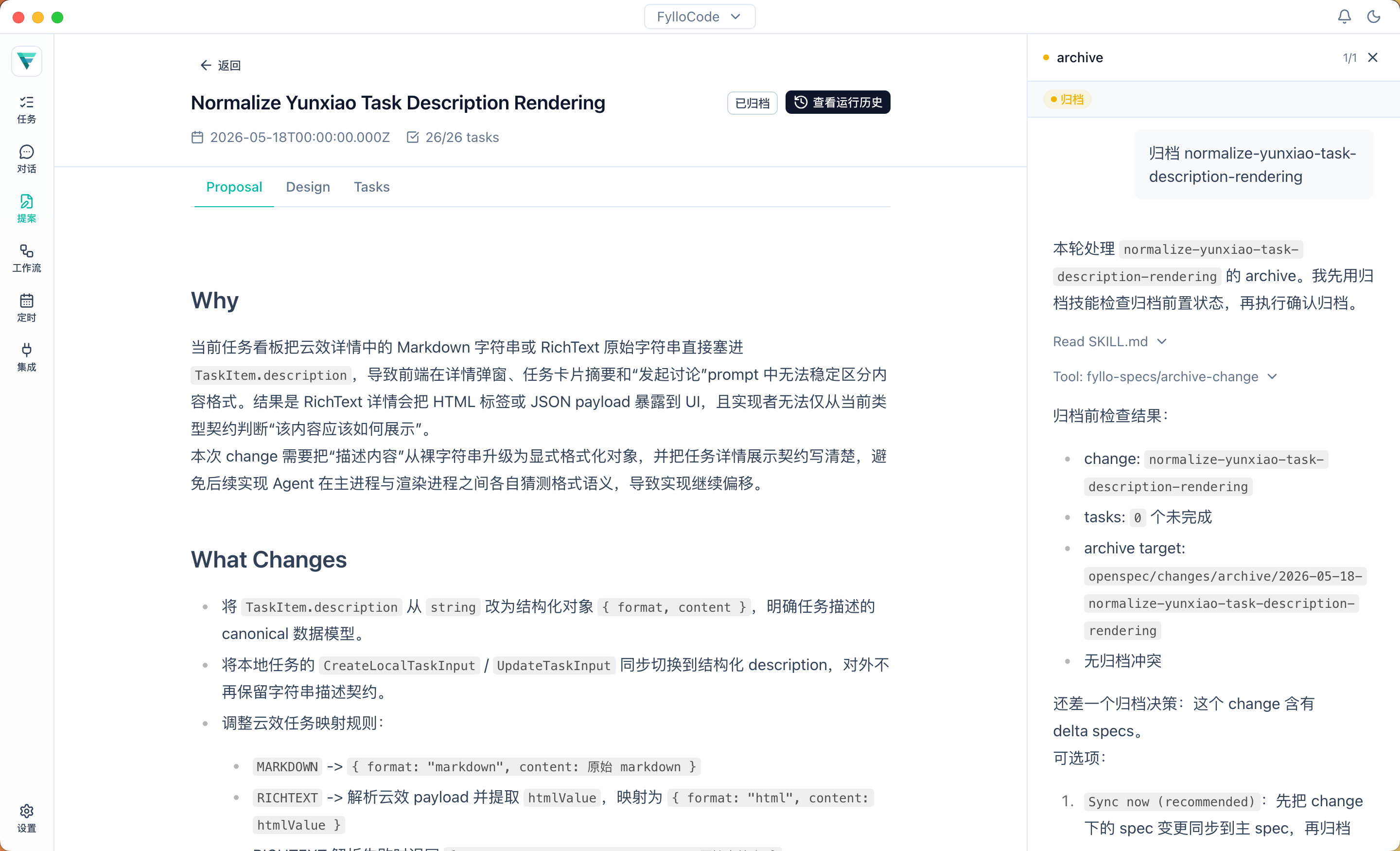
| Proposal Review | Review proposal, design, and tasks, then move Apply & Archive forward from the Chat session event rail. |
| Workflow Orchestration | Use YAML to codify your approved execution stages and Agent assignments. |
| Knowledge | Browse Workspace-level knowledge the Agent flags and captures after user confirmation. |
| Guidelines | Browse the engineering conventions maintained by each Project repository. |
| Specs | Browse OpenSpec capability specs by Project after a Proposal is archived. |
| Work Lineage | Browse every Workspace lineage subject and trace Plans, Proposals, and Commits by Session. |
| ACP Agents | Install, detect, and manage Coding Agents that support ACP. |
| Engineering Integrations | Connect engineering systems such as Yunxiao and write task results back to the existing toolchain. |
| Settings | Manage application preferences, ACP Agents, service connections, and version information. |
How to Read It
Start from a Task and decide in Chat whether this change should take the direct, Plan, or Proposal path. Then follow Apply & Archive through the same main path. When independent work can be split safely, an Agent in FylloCode mode can delegate it to another installed ACP Agent through fyllo-spawn. Knowledge, Guidelines, Specs, and Work Lineage provide background: fyllo-cortex helps the Agent maintain the first two at explicit checkpoints, Specs is the formal contract left after a Proposal archives, and Work Lineage lets you browse the lineage that connects the path. ACP Agents, engineering integrations, and Settings support this workflow.