
Project Overview
Project Overview is the default first screen after opening a Workspace. It aggregates governance status, active changes, recent lineage, and specification evolution by Project so you can see the real Workspace and member-Project state before starting new work.
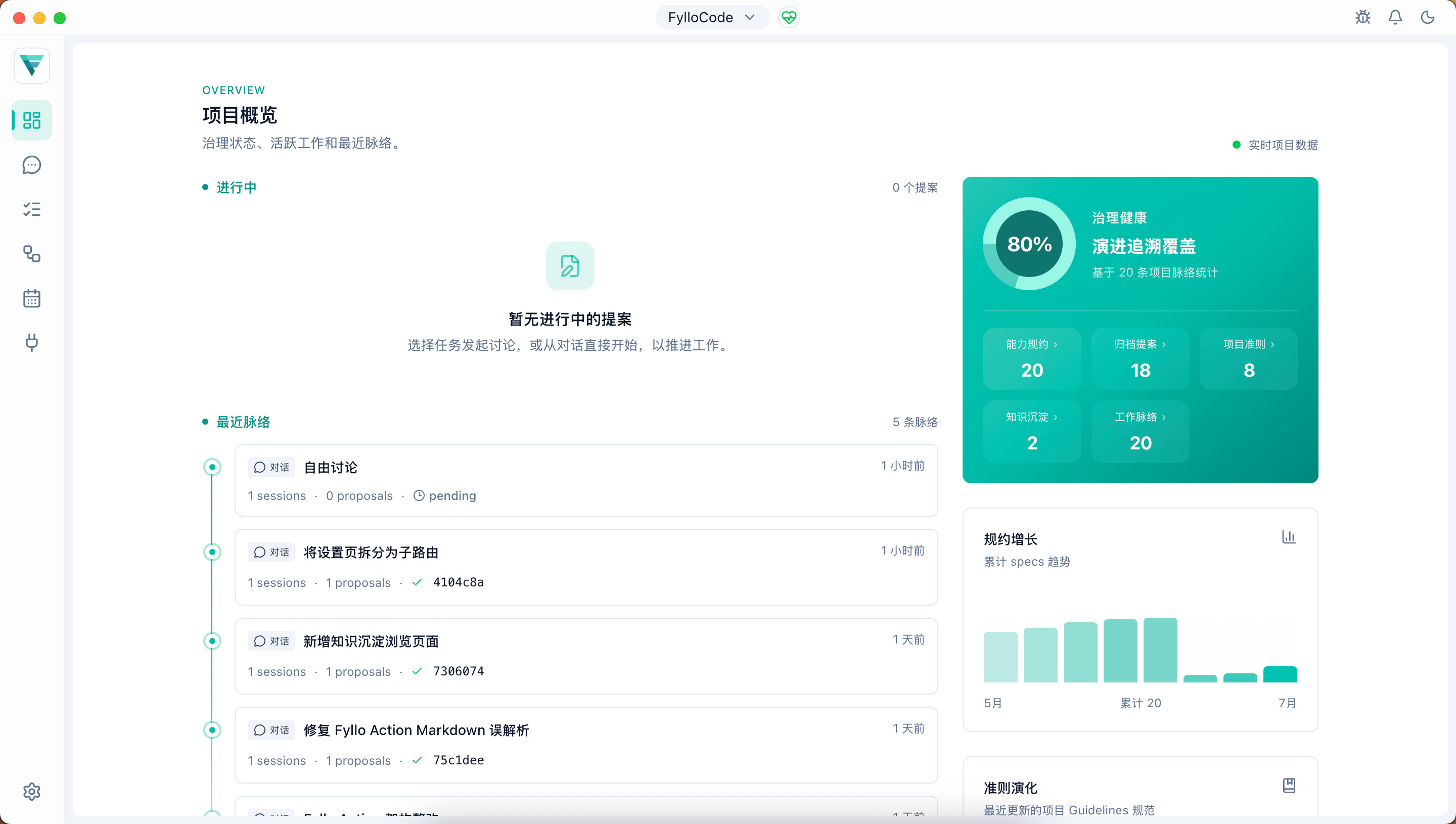
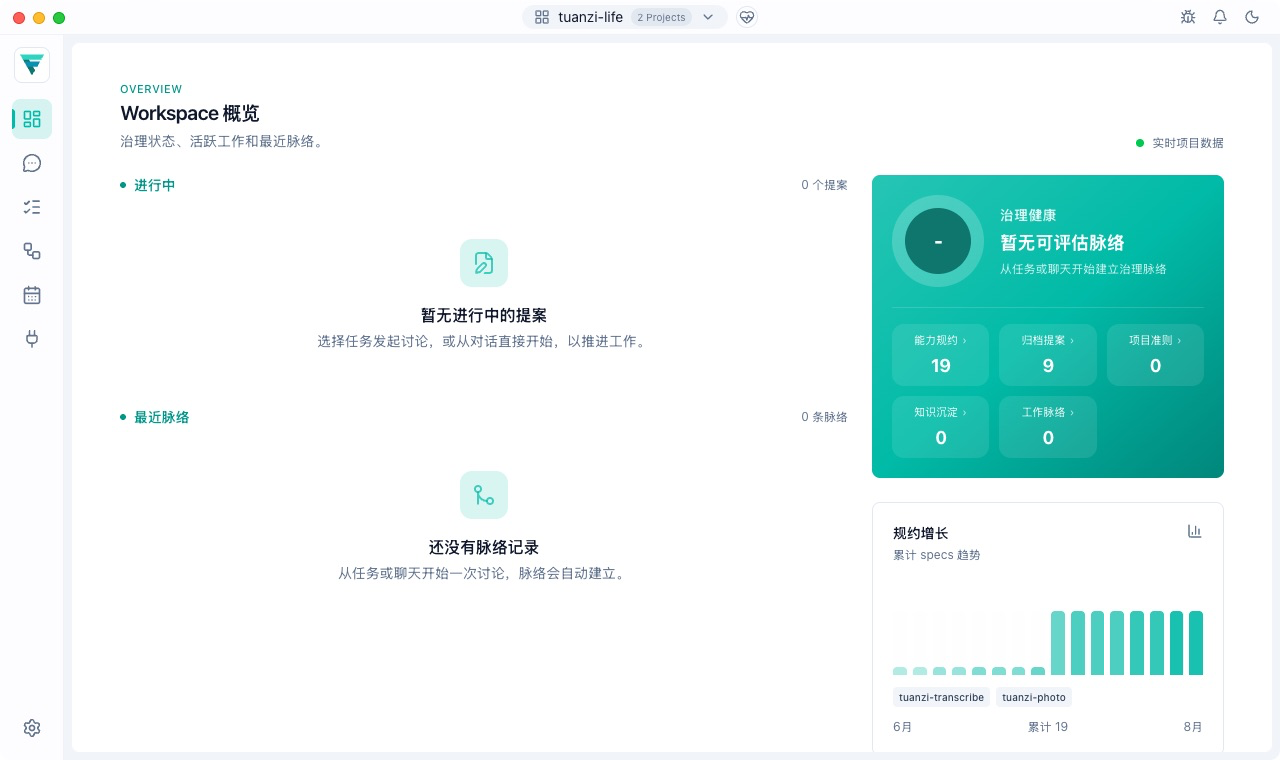
The same page presents either a Project or Workspace view depending on the current window identity. The screenshot below shows a Workspace containing multiple Projects.
All page data comes from the current Workspace's local data: repository scans, git history, and Workspace lineage projections for each Project. It does not depend on external services.
Page Structure
The page separates two information groups. The dynamic work area on the left shows active Proposals and recent lineage, while the static governance area on the right shows governance health, specification growth, and guideline evolution. Narrow windows stack the groups without mixing their responsibilities.
Governance Health
The governance health card uses a ring to show the percentage of lineage subjects linked to tasks. Subjects that started in Chat and received a task later are included. When the project has no lineage, the card reports that there is nothing to evaluate yet.
Five governance entries appear below the ring:
| Entry | Measure and destination |
|---|---|
| Capability Specs | Aggregates openspec/specs/ across Workspace Projects and opens /specs. |
| Archived Proposals | Aggregates openspec/changes/archive/ across Projects and opens /proposal. |
| Project Guidelines | Aggregates guidelines/**/*.md across Projects and opens /guidelines. |
| Durable Knowledge | Counts Workspace knowledge entries and scan errors and opens /knowledge. |
| Work Lineage | Shows the total number of Workspace lineage subjects and opens /lineage. |
Loading or failure in the Durable Knowledge summary affects only that entry, not the main Overview data. If an entry is suspect or unknown, or a scan error exists, an alert icon and accessible text report the number that needs attention.
Active Changes
This section shows active, unarchived Proposals across the current Workspace's Projects. Each item reports creating, draft, or applying, identifies its owning Project, and uses repository-owned identity for the change. A Proposal in a linked worktree also shows an indicator that reveals the full worktree path. Click an item to open the Proposal detail.
Recent Lineage
The latest 10 lineage subjects are listed by update time. Each item shows:
- Origin: task-based or chat-based
- Linked task title and task reference
- Number of connected Chat sessions and produced proposals
- Proposal status information
Use this section for a quick view of recent work. To browse every subject, filter by state, or inspect Plans, Proposals, and Commits by Session, open Work Lineage. See Lineage Traceability for how lineage is created and connected.
Governance Evolution
Git history is used to show long-term trends in project rules:
- Spec growth: weekly trend of spec count over the last 8 weeks, reflecting how fast behavior rules are being captured.
- Guideline evolution: latest 5 updated guideline files under
guidelines/, including file, time, and commit message.
Data Scope and Refreshing
- Repository scanning and lineage projections are read live when the page opens and retain Project ownership.
- Git history is cached per Project for 60 seconds to avoid repeated command execution.
- If a Project has no
openspec/orguidelines/, the related governance count is empty. If it has no Git history, only Git evolution is empty; the remaining governance information continues to work.